Overview
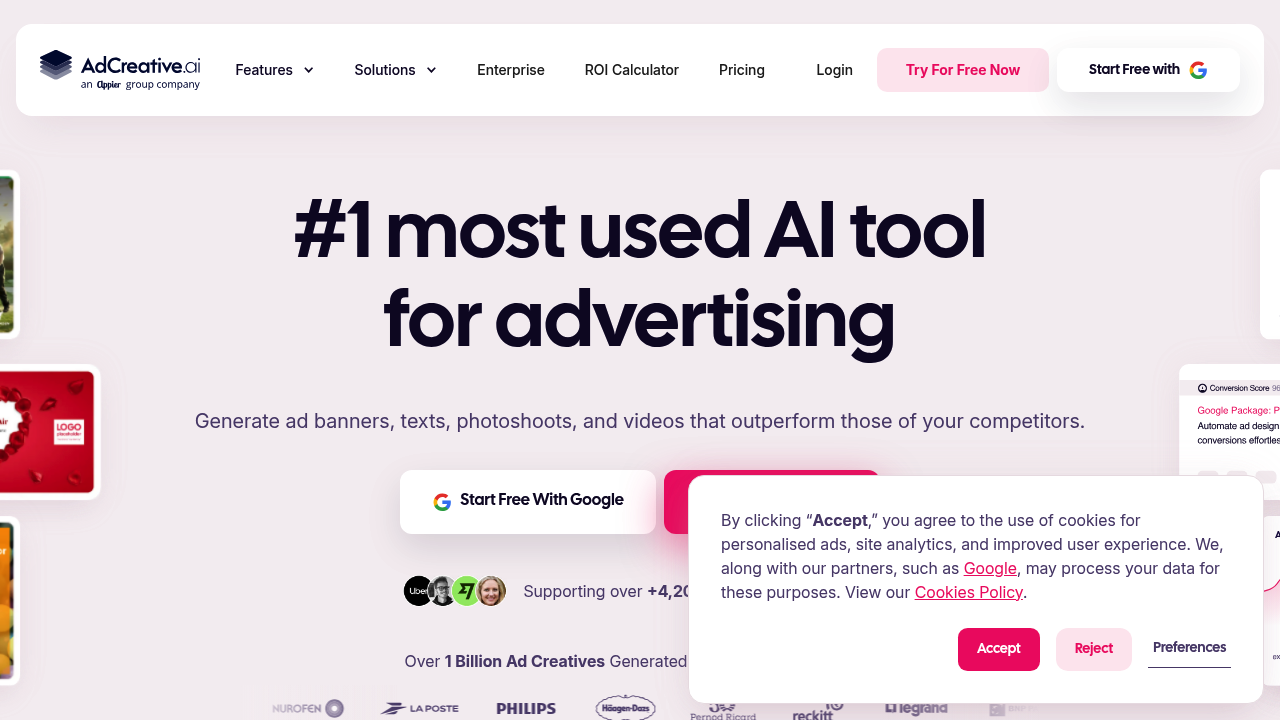
AdCreative.ai is an AI-powered design platform that generates advertising visuals and social media assets using AI. By leveraging advanced machine learning algorithms, it allows creators and marketers to prepare banner variations, multi-format images, and draft ad copy from brand inputs.
Key Features
- AI-Generated Ad Creatives: Generate multiple ad variations for supported advertising formats and platforms.
- Text & Headline Generation: Generate draft headlines and ad copy that can be reviewed and edited before use.
- Competitor Insights: Review competitor-ad information to help explore different creative approaches.
- Creative Scoring: Provides AI-based creative scoring and insights; scores are estimates, not performance guarantees.
- Multi-Size Export: Automatically resize single designs into various aspect ratios required by different advertising channels.
How Creators Can Use It
- Social Media Campaigns: Solo creators can launch multi-channel promotional campaigns for their digital products without hiring a graphic designer.
- A/B Testing: Marketers can rapidly test different visual and textual hooks to identify the highest-converting variations.
- Client Work Delivery: Freelance media buyers can offer complete ad design services to clients by generating professional assets efficiently.
Workflow Integration
- Brand Setup: Upload brand logos, define color palettes, and set the overarching aesthetic.
- Platform Integration: Connect directly to ad accounts like Meta Ads or Google Ads.
- Asset Input: Upload product images or select from the integrated stock photo library.
- Generation & Scoring: Prompt the AI to generate ad designs and review the predictive performance scores.
- Direct Deployment: Push the highest-scoring creatives directly to active ad campaigns or download them for external use.
Time-to-Value & Learning Curve
- Setup Time: Initial setup involves adding brand information and creative inputs; the time needed depends on the assets and campaign.
- Interface Familiarity: Highly intuitive dashboard designed for non-designers. The drag-and-drop simplicity mirrors basic web-based editors.
- Onboarding Resources: Includes built-in interactive tutorials, extensive documentation, and responsive onboarding support for new users.
Ecosystem Compatibility
- Direct Publishing Integrations: Native connections to Meta Ads, Google Ads, LinkedIn Ads, and Pinterest.
- Export Formats: High-resolution PNG and JPG for visual assets.
- Stack Connectivity: Enterprise offerings advertise API and digital-asset management options; availability depends on the agreement.
Pricing & Access
AdCreative.ai sells paid subscriptions with recurring creative-download credits. Its public website lists several tiers, with prices that depend on the billing cycle, brand allowance, and credit package:
- Starter: From $39/month on monthly billing, with lower effective monthly rates on longer commitments.
- Professional: From $249/month on monthly billing, with larger credit allowances and multi-brand features.
- Ultimate: From $999/month on monthly billing, aimed at teams and agencies managing higher volumes.
- Enterprise: Custom pricing and tailored credits, with additional administrative and API options.
The company advertises a limited free trial, not a permanent free tier. Generating previews and downloading assets are different activities: credits apply to eligible downloads, and the allowance depends on the plan. The pricing page displays different promotional offers for quarterly and annual billing, so the final checkout amount and renewal terms should be reviewed carefully.
Business ROI & Time Multiplier
- Time Savings: Generating multiple visual drafts and resizing assets can reduce repetitive design work, though final quality checks and edits still take time.
- Financial Leverage: Provides creative variations that marketers can compare in actual campaigns; conversion and advertising results are not guaranteed.
Data Ownership & Portability
- Asset Export: Users can download all generated images directly to their local drives.
- Lock-In Risk: Downloaded files can be reused according to the platform's current license and account terms. Check those terms before commercial redistribution or client handoff.
Limitations & Trade-Offs
- Credit Constraints: The low starting credit limits can restrict heavy A/B testing for users on the entry-level plans.
- Customization Limits: Advanced manual editing is limited compared to professional tools like Photoshop or Illustrator.
- Template Homogeneity: Generated designs can sometimes feel similar across different brands if custom inputs are not aggressively varied.
Who It Is Best For
Digital product sellers, freelance marketers, and solo founders who need to rapidly test multiple ad variations without the budget or time to hire dedicated graphic designers.
Who Should Avoid It
Creators who do not run paid advertising, or designers who need precise manual control of every visual element, may be better served by a specialist design editor.