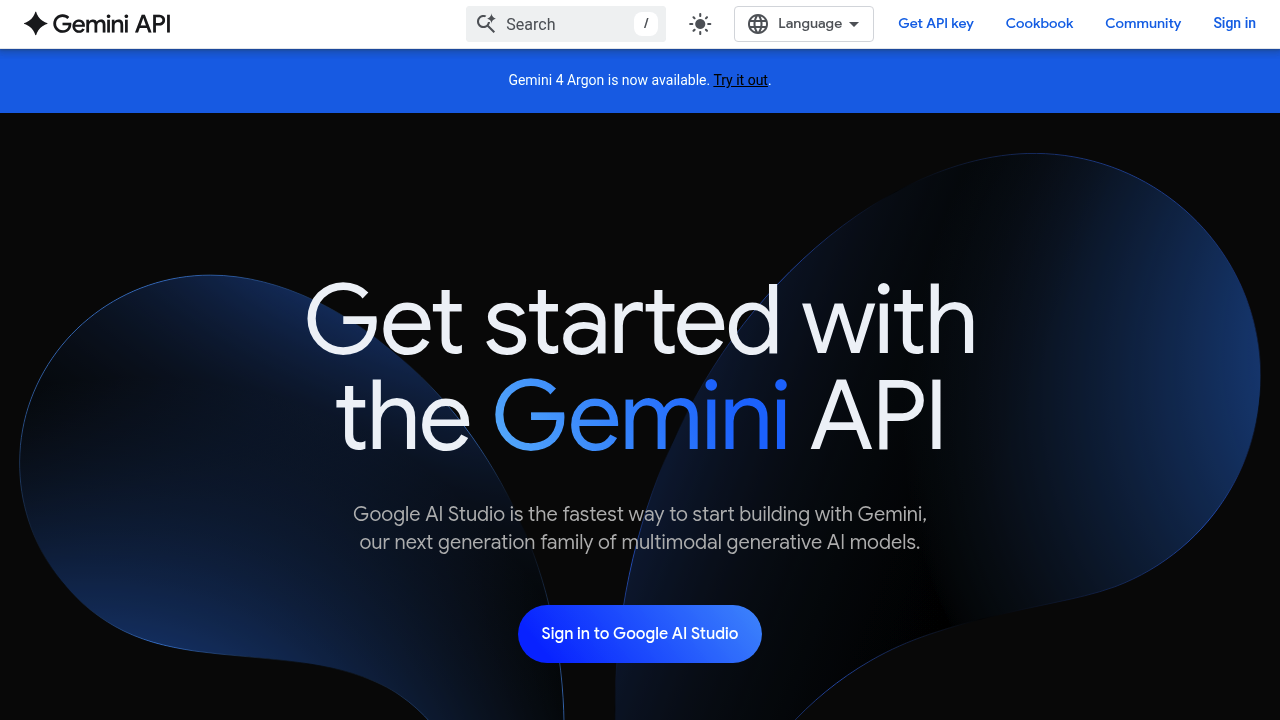
From a Prompt Idea to a Working Prototype
Google AI Studio is Google's browser-based testing ground for Gemini models. It is built for people who want to compare prompts, adjust model settings, inspect responses, and turn a successful experiment into code. Unlike the consumer Gemini chat app, AI Studio focuses on model behavior and application development.
Creators can use it to explore new workflows before investing time in a custom tool. A publisher might test a structured article-brief generator; an educator might prototype a lesson assistant; a developer might evaluate how a model handles images, documents, or long context.
Features That Matter
- Prompt experiments. Test conversational instructions and compare how different settings affect the result.
- Model controls. Adjust supported parameters and safety settings while exploring a task.
- Structured output and tools. Google's documentation describes JSON-style structured output, function calling, code execution, and grounding options for supported models.
- Multimodal exploration. Work with models and features designed for text, images, audio, video, and other input types, subject to availability.
- Move into development. Obtain an API key and use the code examples or Gemini API documentation to build a working application.
These are development features, not a promise that every generated response is accurate or ready to publish.
How a Creator Might Use It
Start with a real source document and a clear desired output, such as a research brief with fixed headings. Test the prompt on several examples, refine the instructions, and inspect where the model misses facts or formatting. If the experiment works, use the API to connect it to an approved application or internal workflow.
Keep API keys private and avoid uploading sensitive client information without reviewing the applicable data terms.
Pricing
Google states that ordinary AI Studio use remains free unless a paid API key is linked for paid features. Gemini API pricing is model- and usage-dependent, with free tiers for selected models and paid token or media charges for others. Usage limits, supported models, and charges can change, so the official API pricing table is the best reference.
Who It Fits
AI Studio is most useful for developers, technically curious creators, agencies, and educators building or testing repeatable AI tasks. It is less suited to someone who only wants a finished video editor or a simple consumer chatbot.