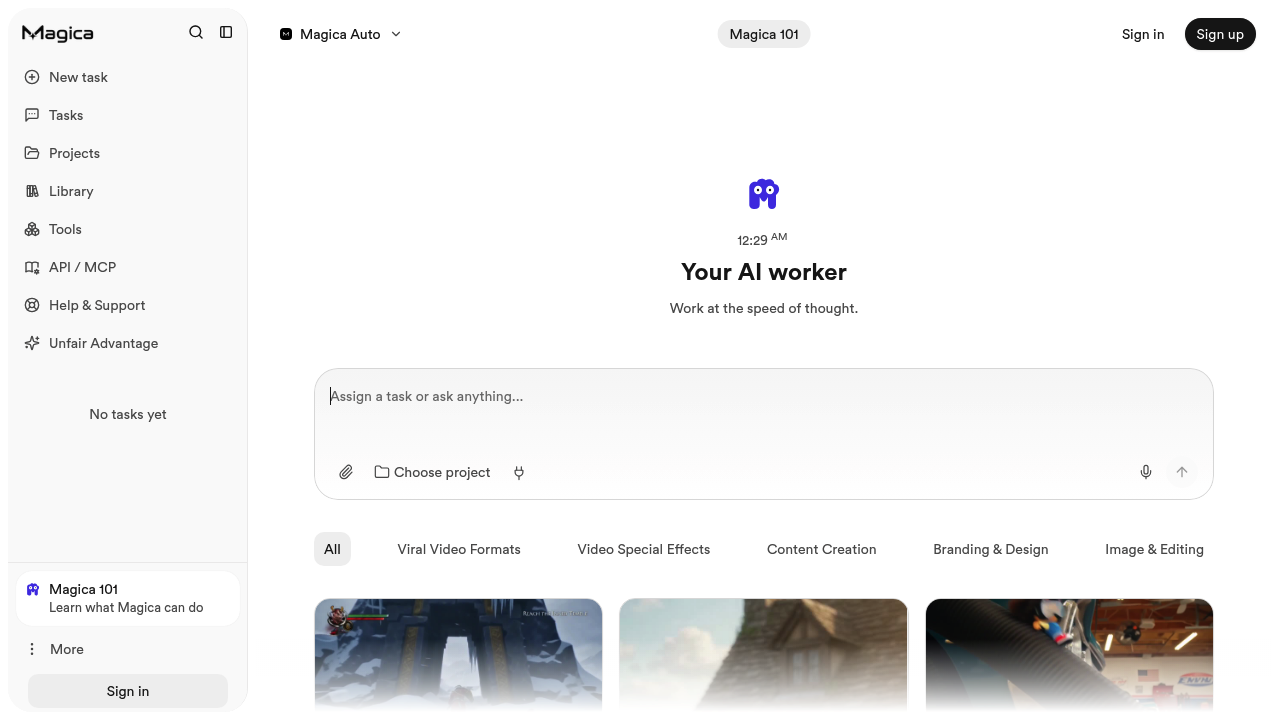
A Workspace for Many Kinds of Creative Work
Magica brings AI chat and creative tools into one environment. Rather than moving between separate services for every draft, image, or experiment, creators can explore writing, visual ideas, and media production through a shared workspace. Its official help center describes access to multiple AI models, custom assistants, and tools for working with documents and other source material.
The platform is broad by design. That makes it interesting for people who produce several types of content, but it also means each individual tool deserves testing before becoming part of a paid client workflow.
What Creators Can Do
- Develop written material. Brainstorm topics, explore angles, draft outlines, and revise copy using AI chat.
- Create visual concepts. Experiment with AI-generated images and video ideas for social campaigns, thumbnails, and presentations.
- Work with source material. Ask questions about uploaded documents and other supported material instead of relying only on open-ended prompts.
- Explore audio tools. The product describes speech, voice, music, and other audio-generation options.
- Build repeatable assistants. Custom AI assistants can help apply recurring instructions to related tasks.
Availability and output quality depend on the selected model or tool. A workspace offering many models does not mean every capability has the same usage allowance.
A Practical Creator Workflow
Begin with a short creative brief describing the audience, goal, format, and tone. Use chat to shape an outline, then choose the relevant image, video, or audio tool for supporting assets. Review factual claims, licensing terms, and generated media before editing and publishing elsewhere.
For an agency, a useful first test is one small campaign containing copy and two or three visual assets. Track how many credits each stage consumes.
Pricing and Trade-offs
Magica's help center lists individual Hobby, Pro, and Max subscriptions with different monthly credit allowances, plus Teams and custom Enterprise options. Its published individual monthly prices are $14.99, $100, and $200 respectively; the vendor also advertises annual billing. Add-on credits and auto-recharge may affect total cost.
The main attraction is breadth. The main caution is cost visibility: a media-heavy project can use credits differently from ordinary text work. Check the current allowance and billing settings before committing production work.
Best Fit
Magica suits creators and small teams experimenting across text, image, video, and audio. Specialists who need precise controls in one medium may prefer a dedicated editor or generation service.